The Instadapp Pro dashboard explained, panel by panel
Pro puts every position across every connected protocol on one screen. This article decodes what each number means and which ones deserve your attention daily.
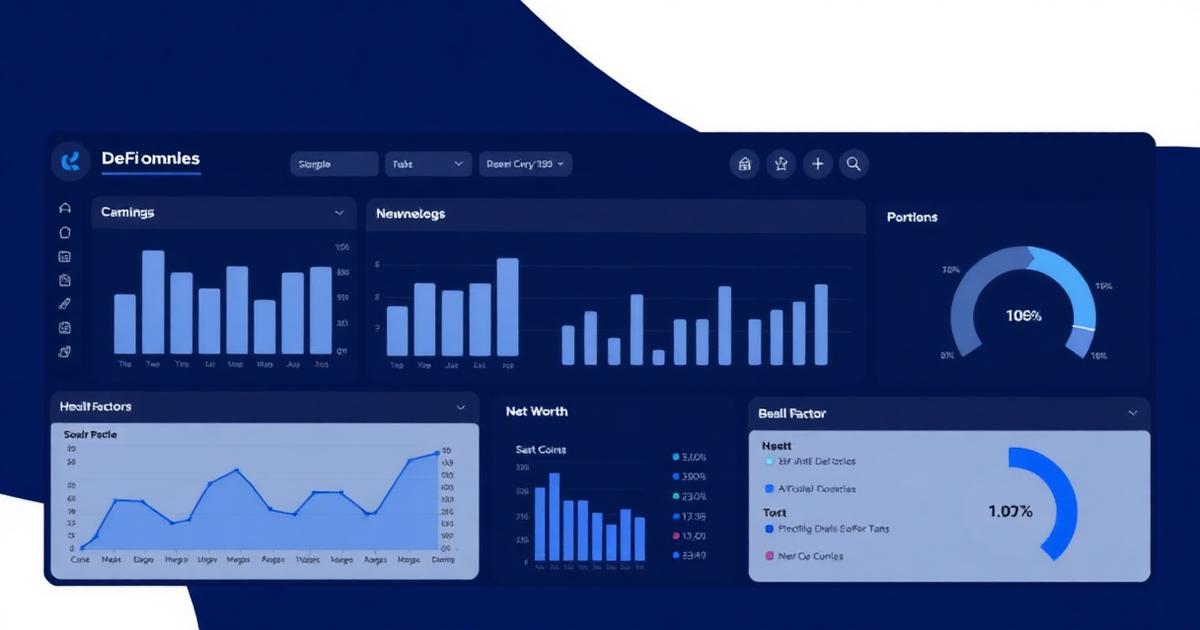
The Instadapp Pro overview: net worth, supplied, borrowed
Three figures head the dashboard. Supplied is the current market value of everything you have deposited across protocols. Borrowed is your total outstanding debt including interest accrued to this block. Net worth is the difference, and it is the only one of the three that reflects what you would keep if everything unwound at current prices.
Watching all three together is more informative than watching net worth alone. Net worth can hold steady while supplied and borrowed both inflate, and that quietly rising leverage is precisely the condition that turns an ordinary correction into a liquidation.
The DeFi assets list and protocol panels
Below the overview, positions are listed by protocol — MakerDAO, Compound, Aave v2 and v3, Morpho and others — each with a manage action. A toggle hides empty positions, which is the first thing to enable once you have explored more protocols than you actively use.
Opening a protocol panel reveals the detail that matters: per-asset supply and borrow rates, the collateral factor applied to each asset, and the position's health factor. Because every protocol prices the same asset differently, this is where the case for refinancing becomes visible.
The balance sidebar and quick actions in Instadapp Pro
The right-hand sidebar tracks wallet balances rather than protocol positions, with deposit, withdraw and trade shortcuts. The distinction is important: assets in your wallet earn nothing, assets in your smart account are ready to deploy, and assets supplied to a protocol are earning yield and possibly backing debt.
Quick actions are convenient but they still produce ordinary transactions with ordinary consequences. Reviewing the resulting health factor before confirming a withdrawal from collateral is a habit worth forming early.
Automation and multi-account management
Pro can attach automation to a position — most commonly a rule that adds collateral or repays debt when the health factor crosses a threshold. Automation reacts faster than a human and does not sleep, but it executes at whatever gas price and market depth exist at that moment, so it mitigates liquidation risk rather than eliminating it.
The account switcher lets you keep several smart accounts and move between them without changing wallets. Combined with the empty-position toggle, this is how a portfolio with a dozen positions stays legible instead of turning into a wall of numbers.
Frequently asked questions
+Why does my Instadapp Pro net worth differ from my wallet balance?
Net worth counts supplied assets minus borrowed debt across protocols, while a wallet balance shows only unencumbered tokens sitting at your address.
+What is a safe health factor to maintain on the Pro dashboard?
Anything above 1 avoids immediate liquidation, but volatile collateral warrants a buffer above 1.5 so that a sharp move does not breach the threshold before you can react.
+Can I manage positions I opened outside Instadapp?
Positions created directly with your wallet belong to that address, not to your smart account. They can be viewed, and in many cases imported, but importing is a transaction rather than a display setting.
+Does Instadapp Pro charge a fee for using the dashboard?
There is no dashboard subscription. You pay network gas, the underlying protocol's interest rates, and any fee attached to a specific feature such as a flash loan.
+How does automation on Instadapp Pro protect against liquidation?
It monitors the health factor and executes a corrective transaction when your threshold is crossed. It reduces risk but depends on network conditions at the moment of execution.
Related material
- Getting started with Instadapp: your first safe sessionA careful first session with Instadapp: wallet setup, creating a smart account, reading the dashboard, making a first supply and the safety checks to run before every transaction.
- How to use Instadapp Lite: automation without the dashboardA practical guide to Instadapp Lite: how the automated ETH vaults work, how to deposit and withdraw, how net APY is produced and what risks the automation does not remove.
- Refinance debt with Instadapp: moving a loan without closing itHow to refinance a DeFi loan with Instadapp: comparing rates across Aave, Compound and Maker, executing an atomic migration with a flash loan, and calculating whether it pays.